Photo layers and adjustments
Import multiple images, move and reorder layers, crop on the canvas, rotate, flip, resize, remove backgrounds, and export the finished image.
LayersHoshino is a native editor for Windows. Open your files, make your changes, and export them without creating an account or uploading anything.
Windows desktop · Native WPF · Open source under the MIT License
What it can do
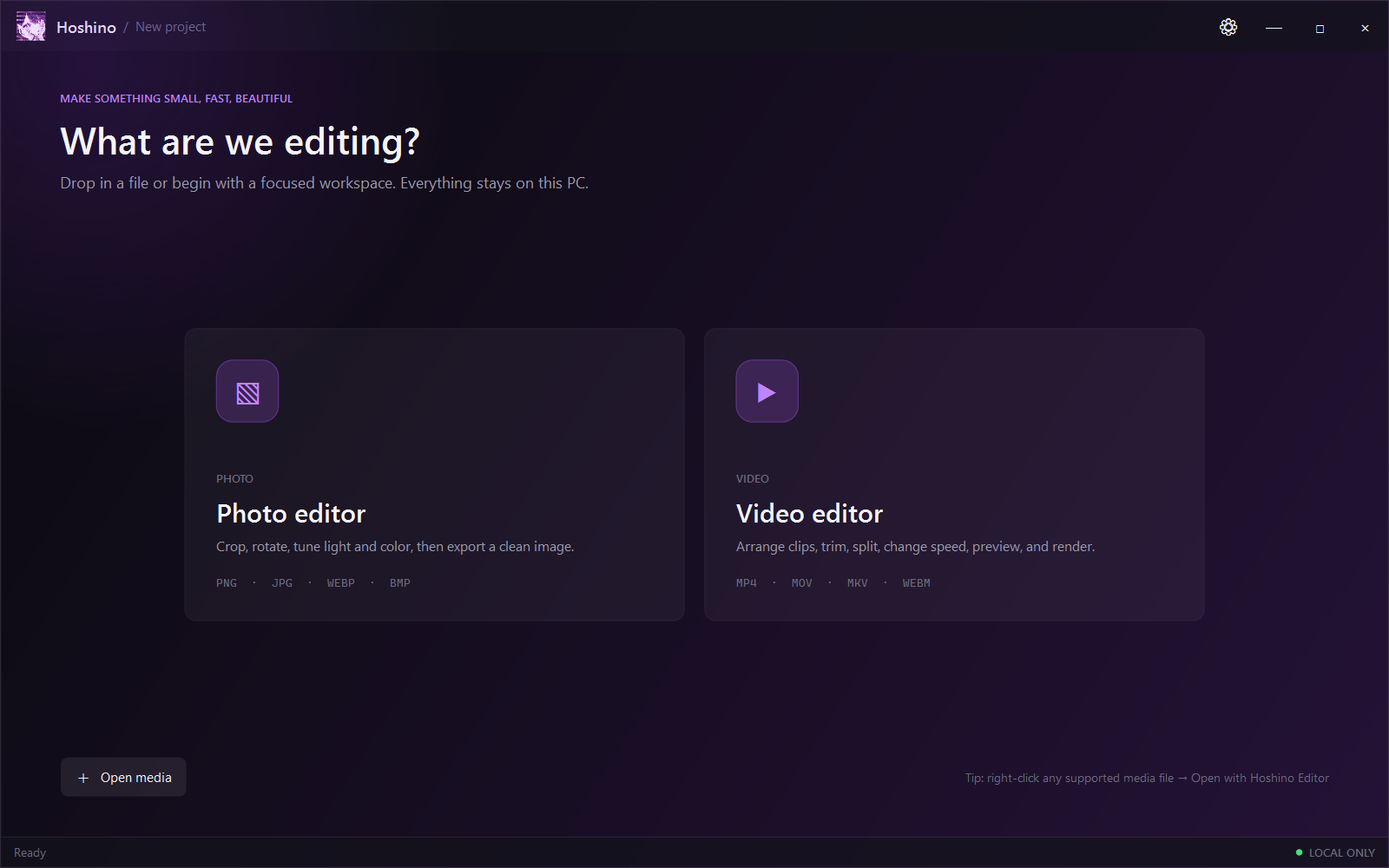
Use it for a quick crop, a layered image, or a full video timeline. You can switch workspaces without switching programs.
Import multiple images, move and reorder layers, crop on the canvas, rotate, flip, resize, remove backgrounds, and export the finished image.
LayersAdjust exposure, contrast, saturation, temperature, and layer opacity. Undo, redo, and reset are there when you need them.
AdjustAdd multiple clips, trim or split them, change their order and speed, preview the audio, and save the project as a local Hoshino file.
TimelineExport common image formats or MP4 video. Hoshino can upscale on your PC and use FFmpeg or supported hardware encoders when they're available.
ExportMade by Sail Solutions
The download button grabs the newest published Windows build from GitHub, so the version shown here won't get stuck in the past.